
 The internet and the web are not competing options. The internet is the global network infrastructure, while the web is a system of websites, links, browsers, and web standards that runs on top of that network. If the question is about choosing language, use “internet” for connectivity and “web” for browser-based pages and services.
Decision Snapshot: Say internet when you mean connection, routers, IP addresses, DNS, Wi-Fi, or service providers. Say web when you mean websites, browsers, pages, links, HTML, search results, and online publishing.
The Cleanest Difference
The Internet Society describes the internet as a global network of networks, made from interconnected networks run by service providers, companies, universities, governments, and individuals. That network lets devices exchange data using shared protocols and open standards. Its overview of how the internet works is a useful starting point because it keeps the focus on infrastructure rather than apps.
The web is narrower. It is the collection of websites and web resources people reach through browsers and links. W3C, the organization that develops web standards, describes web standards as building blocks used by browsers, blogs, search engines, and other software that power the web experience. Its page on W3C web standards helps explain why the web needs common rules to work across devices and browsers.
This distinction matters when troubleshooting. If every app on every device is offline, the issue is probably internet access. If only one website fails, the issue is more likely web-related: the site, browser cache, DNS, certificate, extension, or server.
Comparison at a Glance
| Term | What It Means | Common Examples | Best Used When Talking About |
|---|---|---|---|
| Internet | The underlying network of networks | Routers, cables, IP addresses, Wi-Fi, ISPs | Access, speed, outages, networking |
| Web | A service built on the internet | Websites, browsers, links, HTML, search pages | Pages, content, publishing, browsing |
| DNS | A naming system used online | Domain names and IP addresses | Website access and domain lookup problems |
| Browser | Software for using the web | Chrome, Safari, Firefox, Edge | Viewing pages and running web apps |
A person can use the internet without using the web. Email, online games, messaging apps, file sync, video calls, and software updates all use internet connectivity, but they are not always web browsing. The web depends on the internet, but the internet carries more than web pages.
Where DNS Fits Into the Confusion
DNS often blurs the line. When you type a website name, DNS translates the human-friendly domain into a machine-friendly address. Cloudflare’s learning center describes DNS as the system that translates domain names into IP addresses so browsers can load internet resources. Its plain-English guide to what DNS does is helpful when a site name fails even though the connection is working.
DNS is not the web itself. It is a supporting system used by many internet services, including websites. If a browser says it cannot find a site, a DNS problem is possible. If a video call and email also fail, the wider internet connection deserves attention.
The related article on mesh systems and home coverage decisions can help if your real problem is not terminology, but weak connectivity across a home or small office.
Use Cases: Which Word Should You Choose?
Use internet when the sentence is about access or transport. Examples include internet speed, internet outage, internet service provider, internet plan, internet router, internet connection, and internet privacy. These phrases point to the pipe, network, provider, or connection quality.
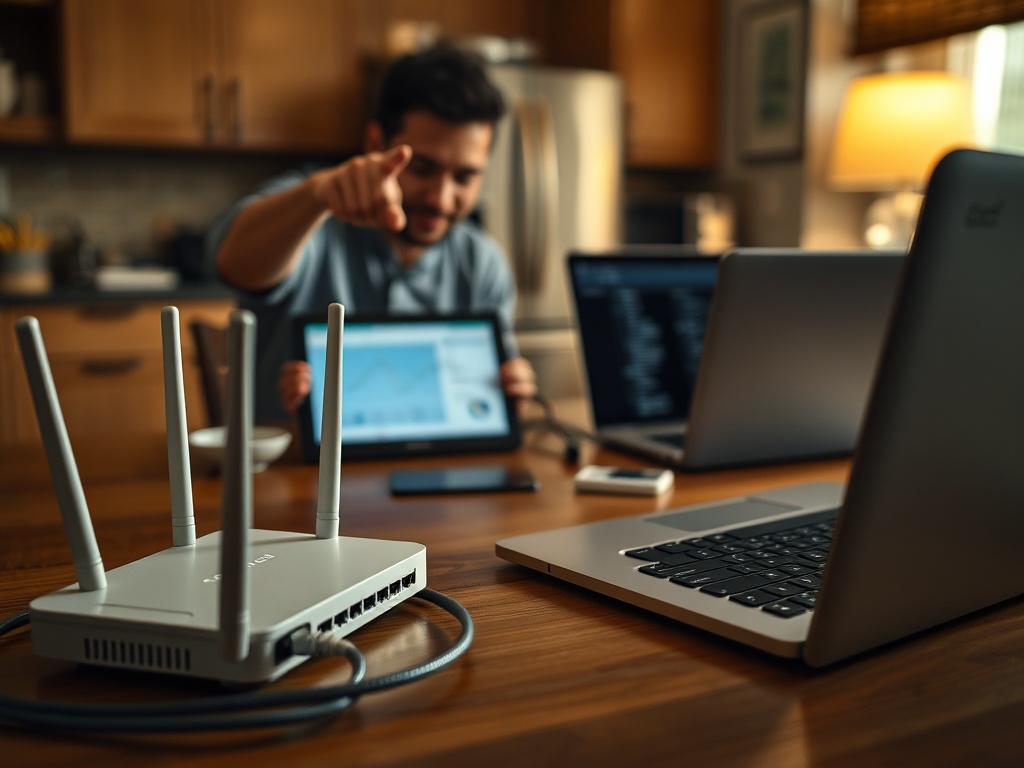
Use web when the sentence is about pages, sites, browsers, content, or publishing. Examples include web page, web browser, web design, web hosting, web standards, web application, web analytics, and web search. These phrases point to experiences people access through browsers or website infrastructure.
Use online when the exact layer does not matter. “Online banking” may involve web pages, mobile apps, authentication services, and notification systems. “Online class” may include web portals, video apps, cloud files, and chat. Online is a broad user-facing word; internet and web are more technical.
What This Means for Buying and Troubleshooting
If you are buying service, you are buying internet access, not “the web.” Look at the speed, reliability, data limits, latency, customer support, and fees of the internet plan. The FCC’s broadband label program asks providers to present standardized information about prices, speeds, data allowances, and other terms so consumers can compare plans more easily; the FCC page on broadband labels is worth reviewing before comparing providers.
If you are buying website services, you are buying web-related products: domain registration, DNS hosting, web hosting, content management, design, performance optimization, or security certificates. Those products still need internet infrastructure, but the decision is about how a website is built and delivered.
If you are troubleshooting, ask two questions. First, does the device have internet access? Second, does the specific web service work? A phone with working messaging apps but a broken browser does not have a general internet outage. A laptop that cannot load any site, sync files, or join a video call may have a network issue.
Common Mistakes That Cause Confusing Advice
The first mistake is saying “the web is down” when only one website is down. This sends people toward router fixes when the real issue may be the site or browser. The second mistake is saying “my internet is slow” when only one browser is full of extensions. That leads to plan upgrades when a browser reset would help.
The third mistake is confusing Wi-Fi with the internet. Wi-Fi is the local wireless connection between your device and router. The internet connection is what your router receives from the provider. A device can be connected to Wi-Fi while the internet service is offline. A device can also have working internet through Ethernet while Wi-Fi is weak.
If the confusion starts with a sluggish machine rather than a network term, the slow computer troubleshooting FAQ gives a better checklist.
A Simple Way to Choose the Right Term
Use this sentence test: if you could replace the word with “connection,” use internet. If you could replace it with “website,” use web. “My connection is slow” makes sense, so internet is probably right. “My website page is broken” makes sense, so web is probably right.
The next step is to name the problem precisely before acting. Write one sentence that includes the device, app, connection type, and error. For example: “My laptop is connected to Wi-Fi, email works, but two websites fail in Chrome.” That one sentence points to browser, DNS, or site checks instead of a full network reset.