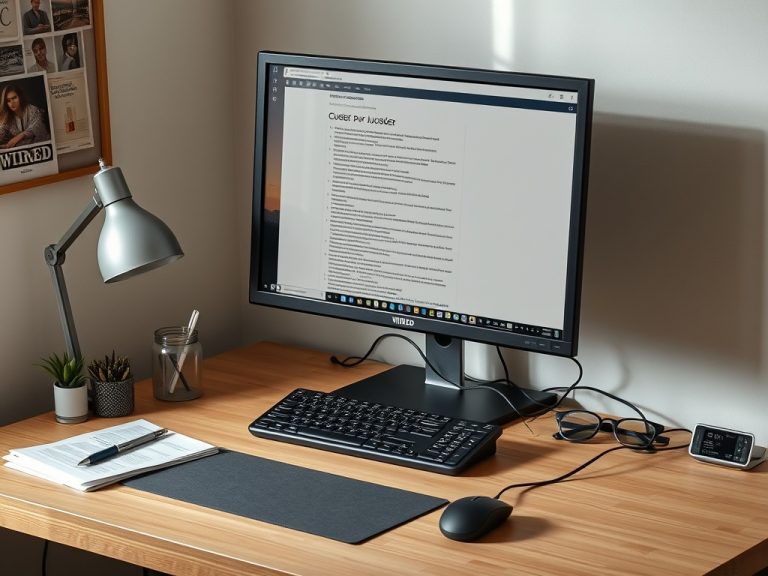
Sustainable remote work routines depend on boundaries, reliable tools, healthy workstation habits, clear communication rules, secure devices, and intentional recovery time. The goal is not to stay online longer. It is to make online work predictable enough that people can focus, collaborate, and stop at a reasonable time.
Remote Routine Snapshot: Set working hours, define response expectations, protect focus blocks, maintain your workstation, secure accounts, and review the routine weekly before burnout becomes the signal.
Step 1: Define the Workday Before Tools Define It for You
Remote work becomes draining when every app feels like a doorway into work. Email, chat, project boards, shared docs, calendars, and video calls can all ask for attention. Without rules, the day becomes a long reaction loop.
Start with the basic shape of the day. What hours are normally available? Which hours are best for focused work? Which hours are best for meetings? When do you check messages? When are you offline? A written routine prevents every notification from becoming a decision.
If deadlines are the recurring issue, the comparison of Todoist, Trello, and Asana can help match the task system to the problem.
Step 2: Build a Communication Agreement
Remote work needs more explicit communication than office work. Teams should define which channel handles urgent issues, routine updates, project decisions, informal discussion, and documentation. If every message is treated as urgent, people will either burn out or ignore the tools.
Create response-time norms. For example, chat may be same-day unless marked urgent, email may be one business day, project comments may be tied to task due dates, and meetings may be reserved for decisions that need discussion. The exact rules matter less than shared expectations.
Step 3: Protect Deep Work Blocks
Online work creates constant context switching. A sustainable routine includes protected time for writing, analysis, coding, design, planning, or customer follow-up. Put focus blocks on the calendar and silence nonessential notifications during them.
This is not a productivity luxury. It is a quality control measure. Many remote work mistakes happen because people try to do complex work while monitoring chat, email, and meetings at the same time.
Step 4: Make the Workstation Healthy
A poor workstation can make remote work feel harder than it is. OSHA's computer workstation eTool says there is no single correct posture, but it lists basic design goals such as monitor height, relaxed shoulders, supported lower back, wrists in line with forearms, room for keyboard and mouse, and feet flat on the floor. Review OSHA's computer workstation guidance if you work long hours at a desk.
NIOSH explains ergonomics as designing work tasks to fit workers' capabilities and reduce discomfort and injuries. Its overview of ergonomics and work-related musculoskeletal disorders reinforces that comfort is part of safe work, not a cosmetic setup choice.
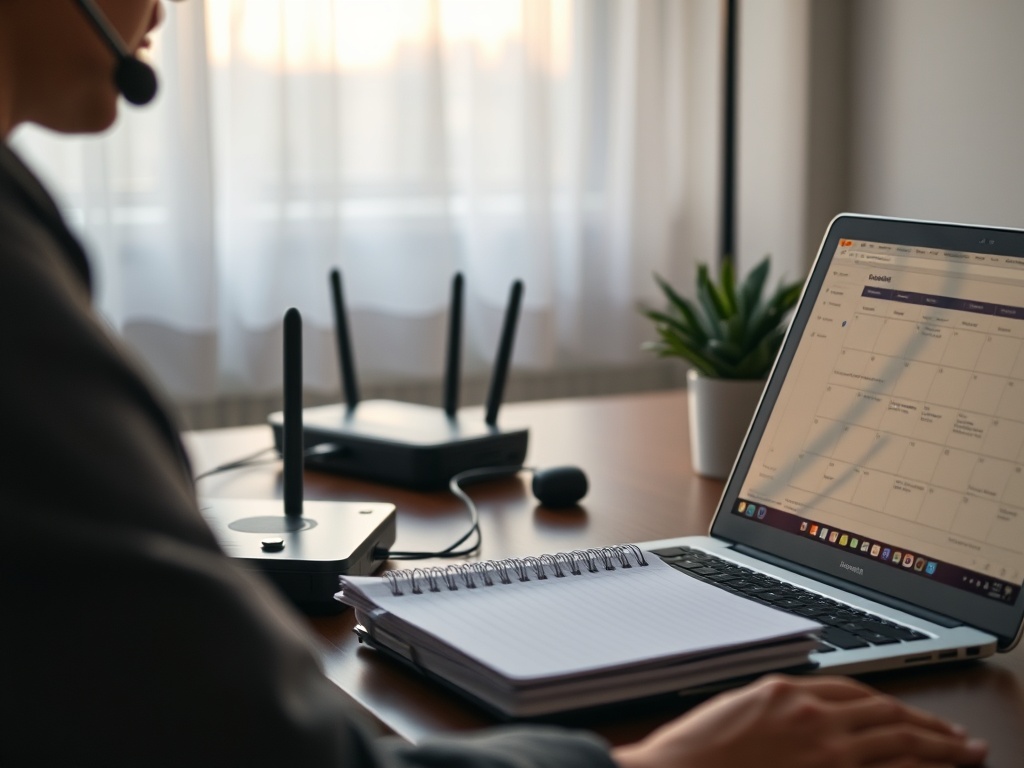
A laptop alone is rarely ideal for full days. Add a stand, external keyboard, mouse, and better lighting if remote work is regular. Small changes reduce fatigue.
Step 5: Stabilize the Internet and Device Setup
A routine fails when the basics fail. Test your video call location, router placement, backup connection options, headset, webcam, and power. Keep chargers where you work. Restart before important calls if the machine has been running for days. Update apps outside meeting hours when possible.
If your remote work problems are really Wi-Fi coverage problems, the guide on deciding when a mesh system is worth the cost can help you avoid buying the wrong fix.
Step 6: Separate Work Capture From Work Execution
Remote workers often turn chat messages into mental task lists. That creates missed commitments. Use one capture system for tasks, one calendar for time, and one shared place for project status. Do not rely on memory across apps.
At the end of each day, move loose promises into the task system. At the start of each day, choose the few tasks that matter most. The routine should make commitments visible before they become emergencies.
Step 7: Build Security Into the Routine
Remote work expands the workplace into home networks, personal devices, shared spaces, and travel. Use a password manager, multi-factor authentication, automatic updates, screen locks, and approved storage. Do not download work files to random personal folders. Avoid public Wi-Fi for sensitive work unless your organization's security guidance allows it and required protections are active.
The malware setup checklist is useful here because device security and daily routine are connected. A compromised personal laptop can become a work problem quickly.
Step 8: Use Meetings More Deliberately
Remote meetings should have a purpose: decide, unblock, align, review, or build relationships. If a meeting only transfers information, a written update may be better. If a topic creates confusion in comments, a short call may be better.
Use agendas, owners, and decisions. End meetings with next actions. Keep recurring meetings under review. A remote routine becomes sustainable when meetings earn their place.
Step 9: Create a Shutdown Ritual
A shutdown ritual tells your brain and your team that work is complete for the day. Update tasks, write tomorrow's top priorities, close work tabs, set chat status, plug in devices, and clear the desk. This does not need to be dramatic. It needs to be repeatable.
Without a shutdown ritual, remote work leaks into dinner, rest, and sleep. That leak may look productive for a week, then become errors, resentment, and slower work.
Weekly Routine Review
| Area | Weekly Question | Adjustment |
|---|---|---|
| Time | Did work end when planned? | Change meeting or shutdown rules |
| Focus | What interrupted deep work? | Adjust notifications or calendar blocks |
| Tools | Where did tasks get lost? | Clarify system of record |
| Body | What caused discomfort? | Adjust desk, chair, monitor, or breaks |
| Security | Were updates and backups current? | Schedule maintenance time |
Keep the Routine Sustainable
A sustainable remote work routine is a living system. It should protect attention, make collaboration clear, keep the body comfortable, and reduce preventable technical stress. The best routine is not the strictest one; it is the one you can actually repeat.
The next step is to choose one workday and write a simple schedule: start, focus block, message checks, meetings, admin time, and shutdown. Test it for a week, then adjust one thing instead of rebuilding the whole routine.