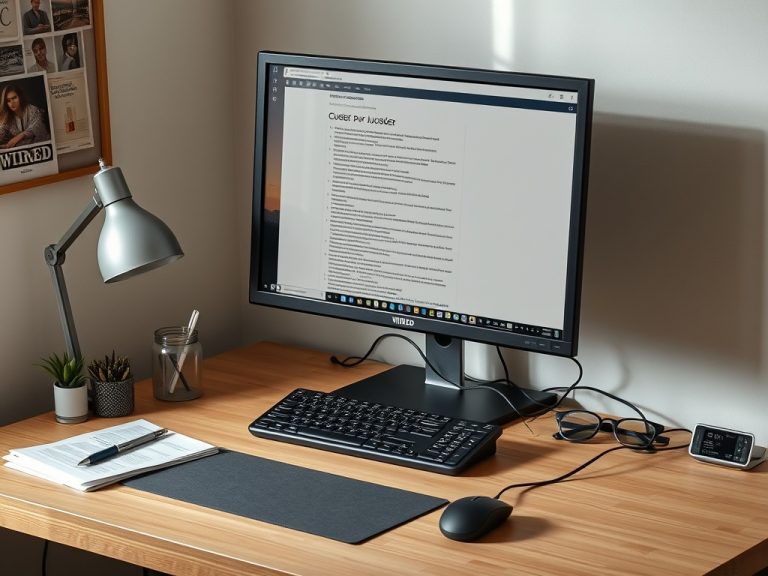
A desktop makes more sense than a laptop when you want better long-term value, easier upgrades, more ports, a larger screen setup, stronger cooling, or a fixed workstation for focused work. A laptop makes more sense when portability, battery power, and one-piece convenience matter more than expandability.
Buying Snapshot: Choose a desktop for power, comfort, repairability, and multi-monitor work. Choose a laptop when you need to move between rooms, offices, classes, or travel days without rebuilding your setup.
What a Desktop Really Buys You
A desktop is not just a computer that stays on a desk. It is a more flexible platform. Most tower desktops make it easier to replace storage, add memory, connect several monitors, use full-size keyboards, improve cooling, and repair individual parts. Even compact mini PCs can provide a cleaner permanent setup than a laptop balanced on a stand with adapters.
The trade-off is obvious: a desktop is not mobile. It needs a monitor, keyboard, mouse, power outlet, and physical space. That makes it a poor fit for people who work from different locations every week, but a strong fit for people who use the same desk for writing, design, bookkeeping, coding, online meetings, or home learning.
If you are also trying to understand why an older machine struggles, read the related guide on slow computer troubleshooting before assuming a new purchase is necessary.
Desktop vs Laptop: The Practical Comparison
| Decision Area | Desktop Advantage | Laptop Advantage |
|---|---|---|
| Performance per dollar | Often stronger at the same budget | Higher cost for similar power |
| Portability | Poor, except compact mini PCs | Excellent for travel and shared spaces |
| Repairs | Parts are easier to replace | Repairs can be more integrated |
| Ergonomics | Easy to pair with full-size monitor and keyboard | Needs stand and accessories for long sessions |
| Upgrade path | RAM, storage, graphics, and peripherals may be easier | Limited upgrade options on many models |
| Power backup | Needs outlet or UPS | Built-in battery |
The desktop advantage is strongest when your work benefits from sustained performance. Video editing, large spreadsheets, many browser tabs, virtual machines, gaming, development tools, and design software can all benefit from better cooling and more upgrade room. Laptops can do these jobs too, but the best ones cost more and still live with heat and battery limits.
Match the Desktop Type to the Work
A basic tower is the flexible choice. It gives you space for extra drives, expansion cards, and better airflow. A small-form-factor desktop saves room but may limit graphics cards, cooling, and future upgrades. A mini PC is excellent for web work, documents, email, remote desktop, light photo editing, and signage, but it may not suit heavy creative work. An all-in-one looks neat because the computer is built into the monitor, but it can be harder to repair or upgrade.
When choosing Windows hardware, check current operating system requirements before buying used or refurbished machines. Microsoft lists Windows 11 requirements such as processor, RAM, storage, firmware, TPM, graphics, and display criteria in its official Windows 11 specifications. That does not mean every buyer needs a high-end machine; it means the operating system support window matters for security and future updates.
When a Desktop Is the Better Everyday Choice
Choose a desktop when the computer stays in one place and does serious work. The clearest example is a home office where you spend hours typing, researching, analyzing, designing, or meeting online. A large monitor reduces cramped windows. A full keyboard and mouse reduce awkward posture. Speakers, webcam, microphone, printer, external drive, and Ethernet can stay connected instead of becoming a daily cable ritual.
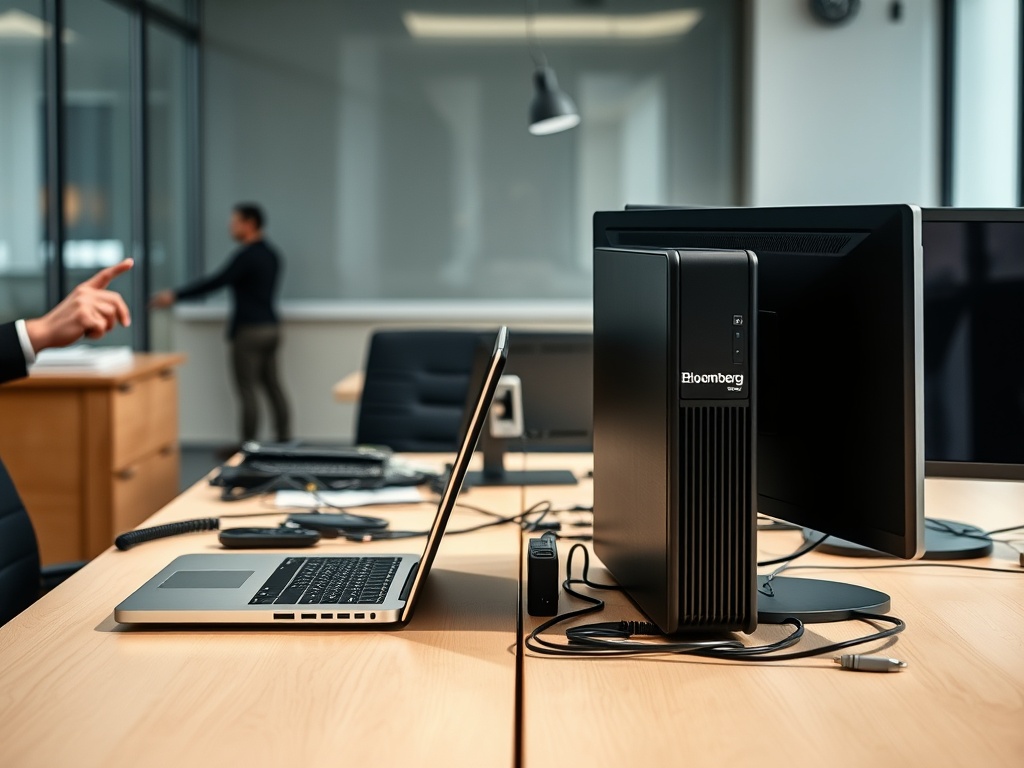
A desktop is also sensible for family or shared workstations. Parents can place it in a visible room. Students can use a larger display for assignments. Small businesses can pair desktops with wired networks, backup drives, and consistent accessories. The machine becomes a workstation rather than a personal object that disappears into a backpack.
The article on macOS setup mistakes is useful if your main issue is workstation habits rather than hardware type.
When a Laptop Still Wins
Choose a laptop if you move often. Students, field workers, consultants, commuters, and hybrid workers may need to work anywhere with minimal setup. A laptop also wins when space is limited. If your desk is also a dining table, a laptop may be the only realistic option.
A laptop is also safer during power interruptions because it has a battery. Desktop users can add an uninterruptible power supply, but that is extra cost and space. For people who need one device for meetings, travel, presentations, and home use, a laptop is simpler.
The hidden laptop cost is comfort. A laptop used for long sessions should be paired with a stand, external keyboard, mouse, and possibly a monitor. Without those accessories, the screen sits too low and the keyboard too close, which can make posture worse over time.
Specifications That Matter More Than Labels
Do not buy only by processor brand, model year, or marketing words. For general web and office work, prioritize enough memory, a solid-state drive, modern wireless, useful ports, and a monitor that fits your eyes. For creative or technical work, check software recommendations first. Photo, video, CAD, audio, and development workloads may need specific graphics, memory, storage, or display requirements.
Storage deserves special attention. A cheap desktop with a tiny SSD can become annoying quickly. A larger SSD, plus external or cloud backup, is usually more useful than a flashy feature you rarely touch. Memory is similar: too little RAM creates daily friction when you run browsers, meetings, and office apps together.
Budget for the Whole Setup
The tower is not the whole cost. Include the monitor, keyboard, mouse, speakers or headset, webcam, backup drive, surge protector, desk space, and any adapters. Sometimes a slightly more expensive prebuilt desktop with better ports and included warranty is cheaper than piecing together a low-cost machine with missing basics.
Also budget for software and security. A new desktop does not automatically solve poor backup habits, weak passwords, or disorganized files. If the system is for a shared household or small office, set up separate user accounts from the beginning.
Your Practical Desktop Decision
Buy a desktop when you want a stable, comfortable, upgrade-friendly workstation and do not need the computer to travel. Buy a laptop when your work moves with you or your living space demands flexibility. Buy neither until you have checked whether your current computer is simply slowed by storage, startup apps, or software clutter.
The next step is to list your top five daily tasks and the places where you do them. If four of those tasks happen at one desk, a desktop deserves serious consideration. If the tasks move across rooms, buildings, or trips, a laptop may still be the more honest fit.